How to Reduce PDF File Size for Email (Without Uploading It)
Most oversized PDFs are big for one reason: images. Here's how to tell what's inflating yours, pick the right kind of compression, and get under email limits.
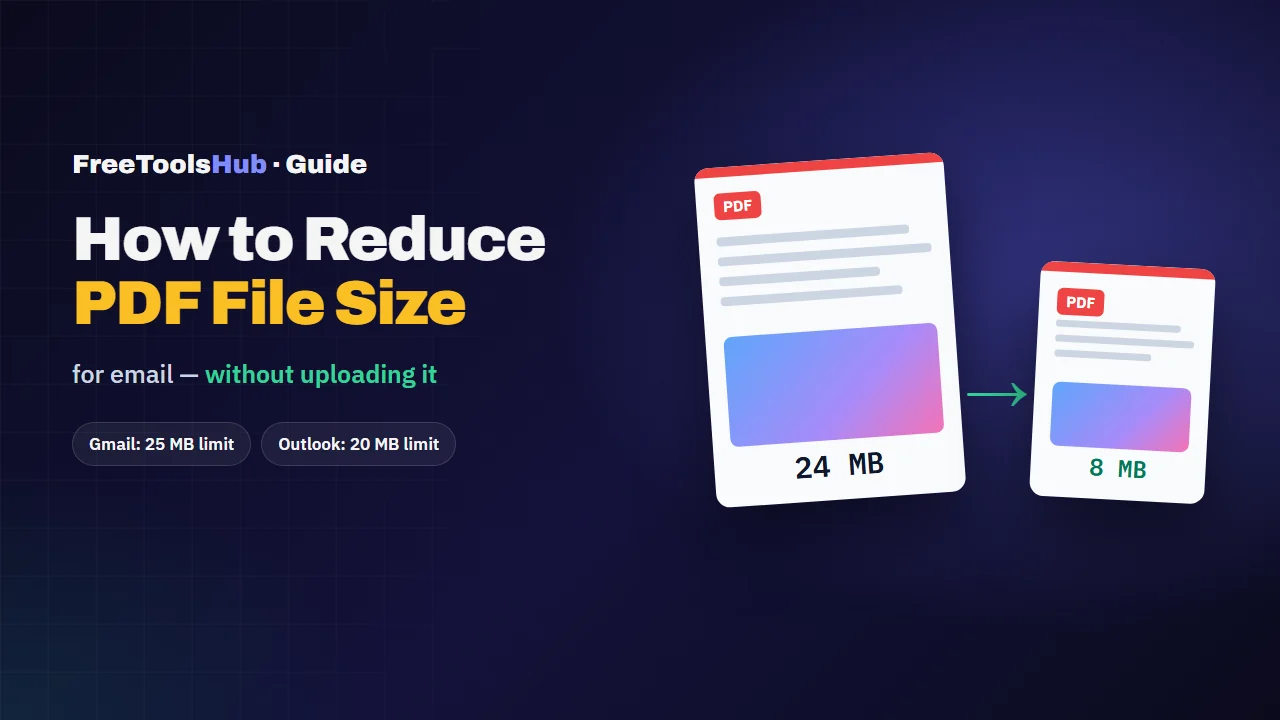
Most large PDFs are large because of images — scanned pages or embedded photos. Re-saving those pages at around 120–150 DPI as JPEG usually cuts the size by half or more. Text-only PDFs are already small, and splitting a long file is often the better fix.
You attach a PDF, press send, and the email bounces: the file is too large. Before reaching for the strongest compression you can find, it helps to know what is actually making the file big, because the right fix depends on it.
What makes a PDF large
A PDF can hold text, fonts, vector drawings and images. Only one of those is usually heavy.
| Content | Typical size impact | Compresses well? |
|---|---|---|
| Scanned pages | Very high — each page is a full photo | Yes, often by half or more |
| Embedded photos | High — often full camera resolution | Yes |
| Embedded fonts | Low to moderate | A little |
| Text and vector charts | Very low | Barely — already compact |
So a 40-page scanned contract can easily be 30 MB, while a 40-page report typed in Word might be under 1 MB. If your file is mostly text and still large, it probably contains a few high-resolution images.
Two kinds of compression
- Structural (lossless). Re-packs the file's internal objects more efficiently. Nothing visible changes and text stays selectable, but the saving is usually small, and on a well-made PDF it can be zero.
- Image-based (lossy). Re-draws each page as a compressed image at a lower resolution. This is what shrinks scans and photo-heavy files dramatically. The trade-off: text can no longer be selected or searched, and links and form fields are lost.
Keep your original
Image-based compression can't be undone. Always keep the original PDF and send the compressed copy.
How to reduce a PDF's size, step by step
- Check what's inside. Scrolling through it is enough: mostly scans or photos, or mostly typed text?
- Compress it. Open our free PDF compressor. Use Strong compression for scans and photo-heavy files, or Basic if you need the text to stay searchable. It runs in your browser, so the file is never uploaded.
- Check the result. Zoom in on the smallest text. If it's hard to read, step up a quality level.
- Still too big? Split it. Use the PDF splitter to send it in parts, for example pages 1–20 and 21–40.
Prevent the problem next time
- Scan at 150 DPI, not 600. 150 DPI is plenty for documents you'll read on screen or print at home.
- Scan in greyscale when colour doesn't matter. It is noticeably smaller than full colour.
- Shrink photos before making a PDF. Run them through the image compressor first, then combine them with Image to PDF.
- Merge only what's needed. When combining PDFs, leave out cover pages and blank pages you don't need to send.
The short version
Big PDFs are almost always big because of images. Compress scans and photo-heavy files with image-based compression at a sensible resolution, keep text documents as they are, and split anything that's still over the limit. And for anything confidential, use a tool that never uploads the file.
Frequently Asked Questions
Why is my PDF so large?
Almost always because of images. A scanned page is a full-page photo, often saved at 300 DPI or more, and photos embedded in a report keep their original camera resolution. Text, vector charts and fonts take up very little space by comparison.
What is the attachment size limit for email?
Gmail and Yahoo Mail allow 25 MB per message, and Outlook.com allows 20 MB. The limit applies to the whole message, and attachments grow by about a third when encoded for email, so aim for a PDF comfortably below the limit.
Does compressing a PDF reduce quality?
It depends on the method. Re-packing the file's internal structure loses nothing but saves little. Re-saving pages as compressed images saves far more but lowers image resolution and makes text unselectable. At around 120–150 DPI, documents still read clearly on screen and print acceptably at home.
Is it safe to compress a PDF online?
Many online compressors upload your file to their server, which is a real risk for contracts, IDs, bank statements and medical records. A compressor that runs inside your browser never sends the file anywhere, so it is the safer choice for anything confidential.
What if my PDF is still too big after compressing?
Split it into parts and send them separately, or share a link to the file from cloud storage instead of attaching it. For long scanned documents, splitting is often quicker than compressing harder.