
Free Tools Hub — free online toolsTools that do the job and get out of your way.
Background removal, format conversion, PDF and text utilities — processed on your device where possible, gone from our servers where it isn't. No account walls, no watermark tax.
37
tools live
0
signups required
100%
on-device AI for images


01 Pick a tool — no account, no waiting room
02 Drop your file — most processing runs in your browser
03 Download the result — nothing kept, nothing watermarked
The toolbench
Twenty-six tools, four shelves.
Organized by what you're actually trying to do — not by which API we bolted on last.
Image Extender
Fit any photo to a new shape without cropping
Change Background Color
Swap any photo background for a colour or transparency
Passport Photo Maker
Passport and visa photos with a 6x4 print sheet
Background Remover
AI-powered precise background removal, on-device
Object Eraser
Paint over anything unwanted and it gets filled in
Image to Text (OCR)
Extract text from pictures and scans
Image Compressor
Reduce image size up to 90% without visible loss
Format Converter
Convert between PNG, JPEG, WebP, BMP
Image Resizer
Resize with ready-made social media presets
PDF to Image
Convert PDF pages to PNG or JPG
SVG Optimizer
Clean and compress SVG files
Word Counter
Count words, characters, and reading time
Case Converter
UPPER, lower, camelCase, snake_case
Base64 Encoder/Decoder
Encode or decode base64 strings
JSON Formatter
Format, validate, and beautify JSON
Meta Tag Generator
Generate SEO tags with a live SERP preview
OG Previewer
Preview how a link card looks when shared
Regex Tester
Test regular expressions with live highlighting
Diff Checker
Compare two texts and see what changed
Favicon Generator
ICO, PNG and Apple touch icons from an image or text
Keyword Density
Analyze keyword frequency for on-page SEO
YouTube Thumbnail
Get HD thumbnails from any YouTube video
Weather Report
Auto-detect location and real-time forecast
Currency Converter
Live rates for 60+ currencies, auto-refresh
Password Generator
Create strong, cryptographically random passwords
QR Code Generator
Make custom QR codes instantly
BMI Calculator
Metric and imperial, with ft/inches support
Age Calculator
Exact age in years, months, and days
URL Shortener
Create short, shareable links
Email Verifier
Check if an address is real, disposable, or a typo
Merge PDF
Combine PDFs in your browser, nothing uploaded
Compress PDF
Shrink PDFs in your browser, nothing uploaded
Percentage Calculator
Percent of a number, change, increase and decrease
Loan & EMI Calculator
Monthly payment, interest and schedule
Unit Converter
Length, weight, temperature, area and more
Split PDF
Extract pages or split into separate files
Image to PDF
Turn JPG, PNG or WebP photos into one PDF
Why us
Same job, fewer tolls.
Most “free” tool sites make their money back in friction. Here's where that friction usually shows up.
| Friction point | FreeToolsHub | Typical free tool site |
|---|---|---|
| Account required to download | No | Often, after step 3 |
| Image ever leaves your device | No — on-device AI | Yes — uploaded to a server |
| Forced wait or ad interstitial | No | Usually 5–15s |
| Output watermark on free tier | No | Common |
| Price | Free | “Free” + upsell wall |
On-device where it matters
Image tools run as WebAssembly in your browser — your file never touches a server.
No account, ever
Every tool works the moment you land on it. Nothing to sign up for, nothing to remember.
From the blog
Guides & tutorials

How to Remove Background from an Image for Free (100% Private, In-Browser AI)
Most free background removers downscale your photos or upload them to unknown cloud servers. Here's how in-browser AI cuts out subjects in full HD — completely free and 100% private.
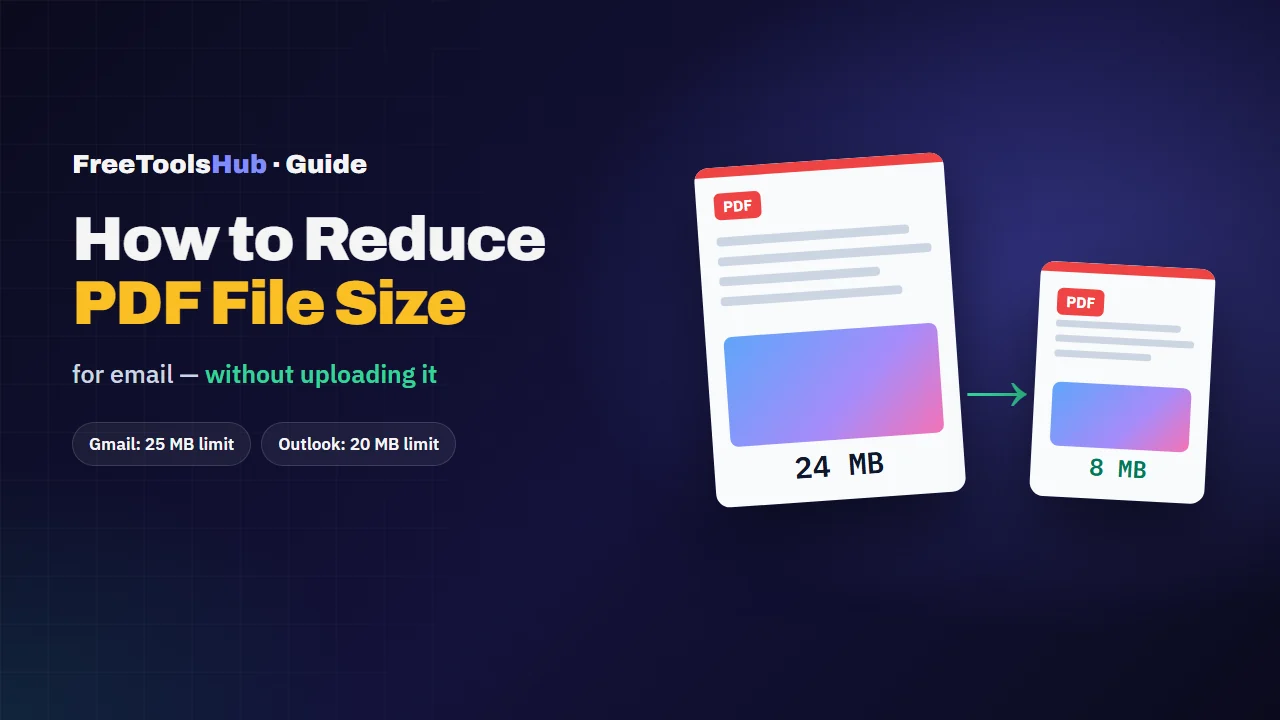
How to Reduce PDF File Size for Email (Without Uploading It)
Most oversized PDFs are big for one reason: images. Here's how to tell what's inflating yours, pick the right kind of compression, and get under email limits.

How to Learn a Language While You Browse the Web
You already read for hours a day. Look up words in context, save them with the sentence you found them in, and review them just before you'd forget — that's the whole method.