How to Compress Images Online for Free — Without Losing Quality
Learn how to reduce image file sizes by up to 90% directly in your browser — no uploads, no signup, and no quality loss. A step-by-step guide to using FreeToolsHub's free image compressor.
Stop Losing Visitors: The Ultimate Guide to Image Compression for SEO in 2026
If your website is slow, you’re losing more than just patience—you’re losing rankings and revenue.
Images are the #1 cause of slow websites, often accounting for 50–70% of a webpage's total weight. The solution isn't to use fewer images; it’s to use smarter ones. By utilizing the right compression techniques, you can drastically improve your site’s performance without sacrificing visual quality.
In this guide, we’ll break down why image optimization is the "low-hanging fruit" of SEO and how you can compress your images for free in under 60 seconds using FreeToolsHub.
What Is Image Compression (And Why Does It Matter)?
Image compression is the process of shrinking a file size by removing unnecessary data—such as hidden metadata, redundant color profiles, and pixel information the human eye can't even detect.
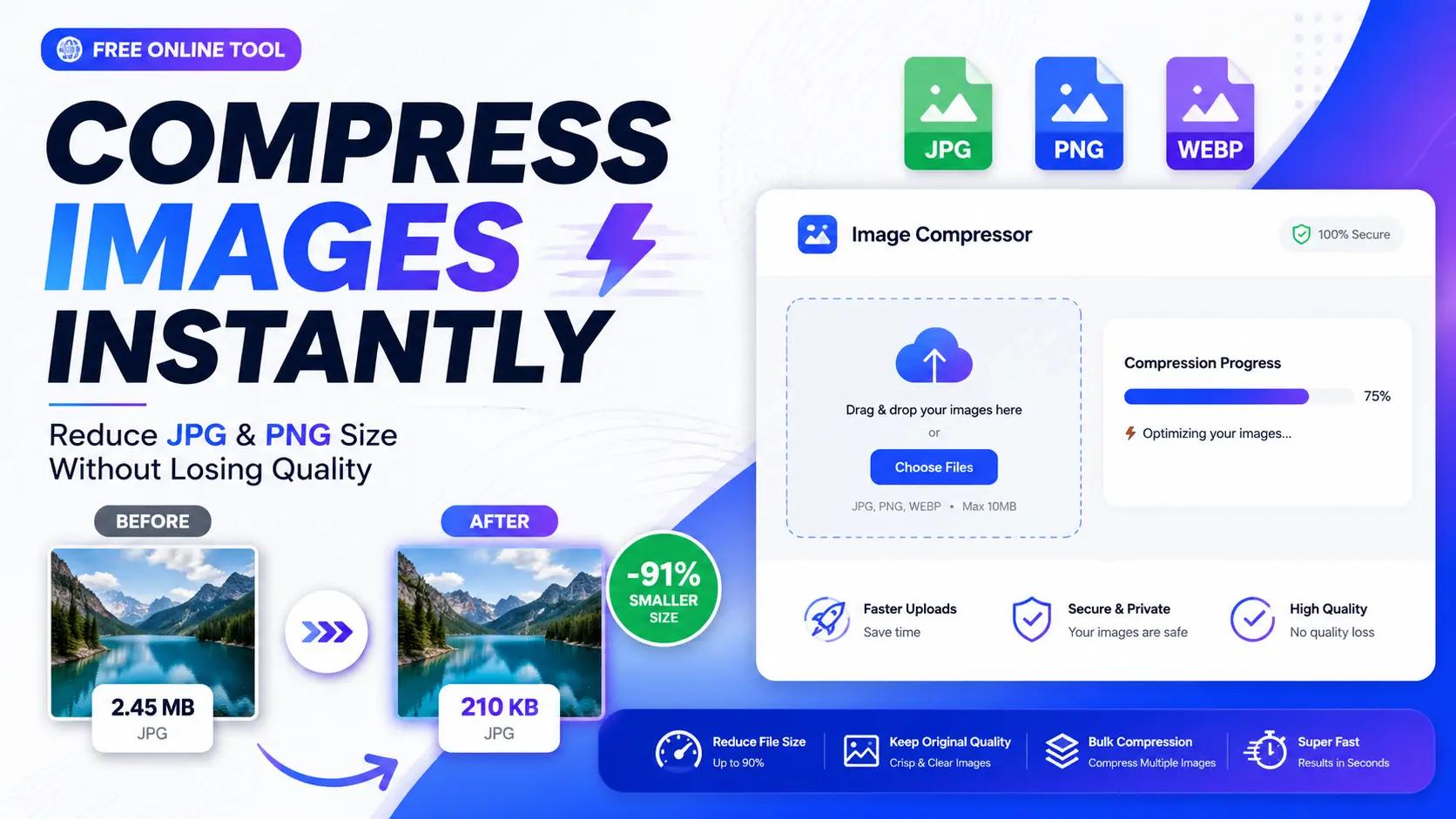
When done correctly, you can shrink an image by 60–90% with zero visible quality loss. For example, a 2MB hero image might take 8 seconds to load on a mobile connection, but a compressed 200KB version loads in less than one second.
Lossy vs. Lossless: Which should you choose?
- Lossy Compression: Removes data the eye doesn't notice. This is the "sweet spot" for web performance, achieving massive size reductions. Best for photos (JPG, WebP).
- Lossless Compression: Reorganizes data without removing it. Perfect for logos and text-heavy graphics where every pixel must be identical (PNG).
Why Image Compression Is Critical for SEO in 2026
Google has made it official: Page speed and Core Web Vitals are direct ranking factors. If your images are bloated, your rankings will suffer.
- Largest Contentful Paint (LCP): This measures how fast the largest element (usually your main image) loads. Compression can improve LCP scores by 35–60%.
- Mobile-First Indexing: Google ranks your site based on its mobile performance. Uncompressed images are the fastest way to kill your mobile user experience.
- Conversion Rates: A 1-second delay in load time can reduce conversions by 7%. Fast images keep users on the page.
WebP vs. JPG vs. PNG: The 2026 Standard
Choosing the right format is half the battle. While JPG and PNG are classics, WebP is the modern standard for the web. It offers superior compression (up to 90% smaller than JPG) while maintaining high quality and supporting transparency.
Format
Best For
SEO Impact
WebP
All web photos & graphics
Highest (Recommended)
JPG
Standard photography
High
PNG
Logos & transparency
Moderate
How to Compress Images for Free Using FreeToolsHub
The FreeToolsHub Image Compressor is 100% browser-based. This means your images never leave your device, providing total privacy and instant results.
Step 1: Go to the Tool
Navigate to the Image Compressor. No signup or installation is required.
Step 2: Upload Your Images
Drag and drop up to 5 images (JPG, PNG, or WebP). Each file can be up to 10MB.
Step 3: Adjust the Quality Slider
We recommend a setting of 75% or higher. This provides a dramatic file size reduction while remaining indistinguishable to the human eye.
Step 4: Select Your Format
Choose WebP for the best SEO results, or stick with JPEG for maximum compatibility.
Step 5: Download & Compare
Check the live before-and-after size comparison and download your optimized files instantly.
What Makes FreeToolsHub Different?
Unlike other popular compressors that upload your data to remote servers, FreeToolsHub uses Client-Side Processing:
- Total Privacy: Your images stay on your computer; they are processed locally in your browser.
- Zero Bottlenecks: No waiting for "uploading" or "downloading" from a server.
- Free Forever: No daily limits, no hidden subscriptions, and no watermarks.
3 Pro-Tips for Total Image Optimization
To get the most out of your compressed images, follow these SEO best practices:
- Use Descriptive File Names: Rename
IMG_123.jpgtoblue-running-shoes.jpgso search engines understand the content. - Always Add Alt Text: This improves accessibility and helps you rank in Google Image Search.
- Resize Before You Compress: If your blog width is 800px, don't upload a 4000px image. Resize the dimensions first, then run it through the compressor.
Final Thoughts
Image compression is the rarest kind of SEO task: it's easy to do, costs nothing, and provides an immediate boost to your user experience and rankings.
Compress once. Rank higher. Load faster.